How to Make a Link in Bio: The Complete Guide for Creators and Professionals
Your social media profile is your digital front door. Whether you’re a creator, entrepreneur, or freelancer, your audience often discovers you through platforms like Instagram, TikTok, YouTube, or X (Twitter). But every platform limits you to one precious link in your bio. That single link is your chance to connect followers to everything you do — your content, your shop, your videos, your latest updates, and your brand.
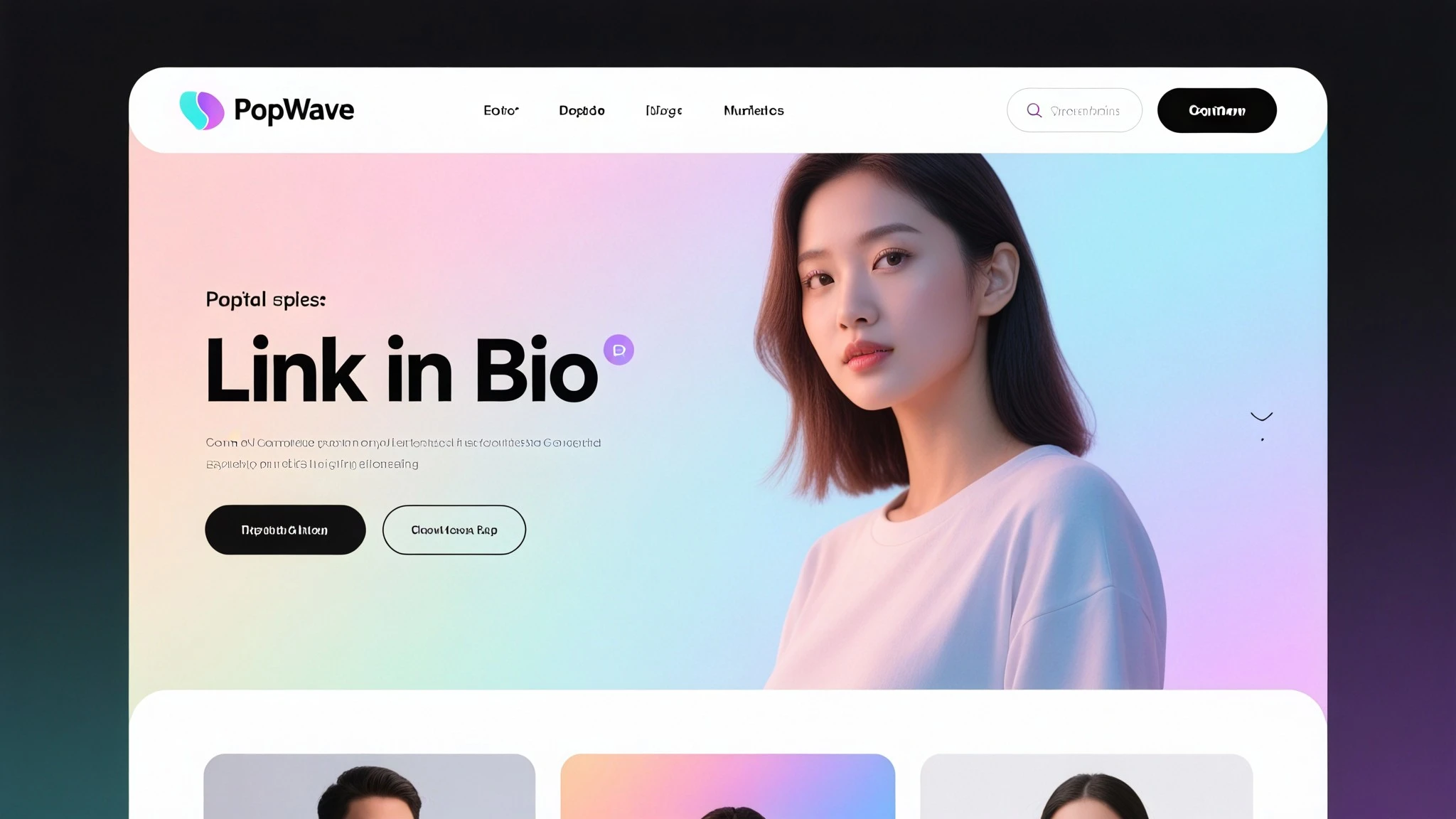
That’s where a link in bio comes in.
A well-built link in bio isn’t just a list of URLs. It’s a personalized landing page that organizes your digital life in one easy-to-navigate space. In this guide, you’ll learn exactly how to make an effective link in bio, why it matters, and how you can create one effortlessly using PopWave, the all-in-one Link in Bio and Portfolio Maker trusted by creators worldwide.
What Is a Link in Bio?
A link in bio is a single link — often placed in your Instagram or TikTok profile — that leads to a page showcasing all your most important content and links. Instead of constantly changing the link in your profile to match your latest post or campaign, a link in bio page lets you feature everything in one place.
Typically, your link in bio might include:
- Links to your latest videos, posts, or campaigns
- Buttons to your online store or merch
- A contact or booking form
- Your newsletter sign-up
- Your other social media profiles
- Your most recent or popular work
At its best, it becomes a mini-website that represents who you are online.
Why Every Creator Needs a Link in Bio
Social media moves fast. Content disappears from feeds within hours, and your followers might never see your older work. But with a link in bio, your most valuable content stays organized, searchable, and easily accessible.

Here’s why having a professional link in bio matters:
- Centralized Branding Your link in bio acts as a digital business card. It shows your audience everything you create, without sending them on a scavenger hunt across multiple platforms.
- Increased Engagement By giving your followers clear, clickable destinations, you increase the chance that they’ll watch your videos, visit your site, or buy your products.
- Better Analytics and Growth A smart link in bio platform helps you track where clicks come from and what content drives the most engagement. PopWave, for example, automatically integrates this data so you understand what resonates with your audience.
- Improved Discoverability When paired with SEO-friendly design, your link in bio can appear in Google searches, helping you attract new followers even outside social media.
- Time Savings and Consistency Updating links manually for every campaign is tedious. With PopWave, your page updates automatically every time you post on your connected social accounts.
The Traditional Way vs. The Smarter Way
Many creators start by building a basic link list on generic tools — simple buttons, static links, minimal visuals. While that’s a start, it’s limited. It doesn’t reflect your personality or highlight your actual content.
PopWave takes a smarter approach.
Instead of a static list, PopWave automatically builds a personalized, living portfolio from your social media activity. It imports your existing posts from Instagram, TikTok, YouTube, and other platforms, organizing them beautifully on your page. That means your followers can explore your real content — not just a list of URLs.
Your PopWave page updates itself as you post new content, ensuring your audience always sees the freshest version of your work.
How to Make a Link in Bio (Step-by-Step)
Let’s walk through how to create your own link in bio using PopWave.
Step 1: Sign Up for PopWave
Visit popwave.ai and create your free account. It only takes a minute to get started.
Once you’re in, you’ll be guided through a quick setup process to connect your social media accounts.
Step 2: Connect Your Social Media Profiles
PopWave integrates directly with major platforms like Instagram, TikTok, YouTube, Twitter (X), and Facebook.
When you connect your profiles, PopWave’s AI automatically imports your past content — videos, photos, and posts — and organizes them on your new page.
You don’t have to manually upload anything. PopWave does the heavy lifting.
Step 3: Customize Your Page
This is where your brand comes alive. You can:
- Choose layouts and templates that match your aesthetic
- Add your profile photo and bio
- Feature specific posts, playlists, or campaigns
- Include links to your shop, blog, or portfolio
- Add contact buttons or newsletter sign-ups
PopWave’s clean design ensures your content remains the focus. You can customize without overwhelming visitors.
Step 4: Add Additional Links and Content
Even though PopWave imports your social posts automatically, you can manually add extra sections or custom links — for example:
- Your podcast
- A link to your online course
- Press coverage
- Upcoming events
- Your favorite collaborations
Each section is designed to be visually consistent and easy to navigate.
Step 5: Optimize for SEO
This is where PopWave stands apart. Every PopWave page is built with programmatic SEO — meaning the platform automatically generates search-optimized pages from your content.
For example:
- If you’re a photographer posting on Instagram, PopWave can create keyword-optimized pages like “Best Portrait Photography by [Your Name].”
- If you’re a musician sharing TikToks, your PopWave site might include pages like “Latest Music Videos and Behind-the-Scenes Clips.”
This allows your content to appear in Google search results, bringing in organic traffic you’d otherwise miss.
You can also publish your own blog posts on PopWave, expanding your reach and authority as a creator.
Step 6: Publish and Share Your Link
Once you’re happy with your setup, copy your PopWave link (for example, popwave.ai/yourname) and paste it into your Instagram bio, TikTok profile, YouTube description, or anywhere else you want to drive traffic.
From that point on, you only need that one link — everything else updates automatically as you post new content.
How PopWave Helps You Grow Beyond Social Media
While most link in bio tools simply organize links, PopWave helps you grow visibility, engagement, and SEO authority.
Here’s how:
- Automatic Social Portfolio
PopWave automatically curates your content into a beautiful portfolio site. It pulls your best social media posts into an organized, interactive layout that feels like your own website — no coding required.
- Programmatic SEO Growth
Every piece of your social content becomes a new opportunity for discovery. PopWave’s SEO engine builds optimized pages for each piece of content, so your social posts can rank on Google.
That means someone searching for your niche or keywords might find your PopWave site before your social profile — unlocking a whole new stream of organic visitors.
- Continuous Updates
Whenever you post on social media, PopWave updates your site automatically. You don’t need to upload or edit manually — it just works in the background.
- Built-In Analytics
PopWave provides insight into how your audience interacts with your content. You’ll know what they click on, which platforms perform best, and which types of posts attract the most attention.
- Custom Branding
You can personalize your domain, color palette, and layout to reflect your style. Whether you’re minimalist or bold, PopWave makes your digital home truly yours.
Best Practices for a High-Converting Link in Bio
Creating your page is just the start. Here are a few proven tips to make your link in bio drive results:
- Lead With Value The first few links or sections should highlight what you want your audience to do — watch your newest video, book your service, or read your latest article.
- Use Visuals Wisely Choose images that represent your work authentically. PopWave’s portfolio layout lets you display posts directly, which naturally draws attention.
- Keep It Clean and Focused Avoid overloading your page with too many buttons. Focus on what truly represents your brand and goals.
- Add a Short Bio or Introduction A simple, friendly introduction helps people connect with you instantly. Let visitors know who you are and what you create.
- Update Regularly (or Let PopWave Do It for You) PopWave’s automatic sync ensures your portfolio is always current — no need for manual updates. That consistency builds trust.
- Optimize for Keywords When writing custom sections or blog posts on PopWave, include keywords your audience searches for (e.g., “fitness coach workouts,” “indie music production,” or “digital illustration tips”).
- Track and Adjust Review your analytics to see what’s performing best. Then refine your page based on what drives the most engagement.
Examples of Effective Link in Bio Pages
To help visualize what’s possible, here are a few examples of how different creators use PopWave:
- Photographers turn their Instagram feeds into searchable portfolios that attract clients through Google.
- Musicians organize their videos, Spotify links, and behind-the-scenes TikToks on one branded page.
- Coaches and freelancers use PopWave as both a bio link and a mini-website, complete with contact forms and blog posts.
- Influencers combine their brand collaborations, media features, and social content into a cohesive portfolio for partners.
Whatever your niche, PopWave gives you the tools to transform social presence into professional presence.

Why PopWave Is the Future of the Link in Bio
Most link tools stop at convenience. PopWave goes further — connecting convenience with growth.
Where others offer lists of links, PopWave offers:
- A living, self-updating portfolio
- Built-in SEO that expands reach beyond social media
- A platform for publishing your own content
- Analytics that help you understand your audience
- A clean, modern interface that emphasizes your creativity
In other words, it’s not just a bio link — it’s your home on the internet.
Start Building Your PopWave Link in Bio Today
Your followers know you through your content. PopWave helps the rest of the world discover it too.
With just a few clicks, you can create a link in bio that:
- Updates automatically with your latest posts
- Showcases your work in a stunning, organized layout
- Appears in search results and brings you new followers
- Reflects your brand perfectly
Don’t settle for a basic list of links. Build something that truly represents who you are and where you’re going.
It’s free to begin, and it takes less than five minutes to create your link in bio that actually grows with you.
Final Thoughts
Your link in bio is more than a convenience — it’s your gateway to the internet.
It’s how you turn followers into fans, clicks into conversations, and content into opportunity.
With PopWave, you get the simplicity of a bio link, the power of an automatic portfolio, and the visibility of SEO — all in one place.
Build once. Grow everywhere. That’s PopWave.