Tuesday, 24 Mar 2026
How to Put a Link in Your Instagram Bio: Step-by-Step Guide
Your Instagram profile is your digital identity. When someone lands on your page, they form an impression within seconds based on your photo, your content, your highlights, and the single clickable link sitting in your bio. That one link shapes how your audience discovers your brand, your projects, your offers, or your latest updates. It is the bridge that connects your followers to everything you want them to explore across the internet.
Instagram only gives you one link, which is why learning how to put a link in your bio and how to maximize that link is essential for creators, entrepreneurs, and professionals.
This guide will teach you exactly how to add a link to your Instagram bio, how to choose the right kind of link, and how to build a high performing landing page using PopWave, the all in one Link in Bio and Portfolio Maker trusted by creators across the world.
What Does the Instagram Bio Link Do
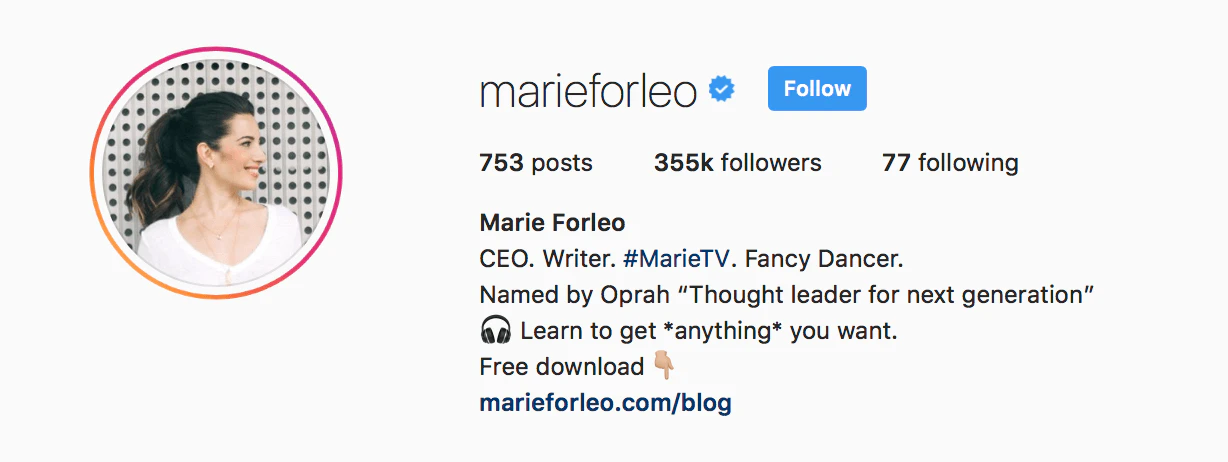
Your Instagram bio link is the single gateway that directs your followers to your most important online destinations. Because Instagram does not allow clickable links in posts, users rely heavily on the link in your bio whenever you say “link in bio” in your captions or Reels.
Your Instagram bio link can lead to many types of pages, including:
- Your online store or product page
- Your newest articles or videos
- Your portfolio or booking page
- Your newsletter sign up
- Your latest collaborations
- Your other social profiles
- Your ongoing campaigns
When done well, your Instagram bio link becomes a simple and powerful entry point that organizes your online presence in one convenient place.
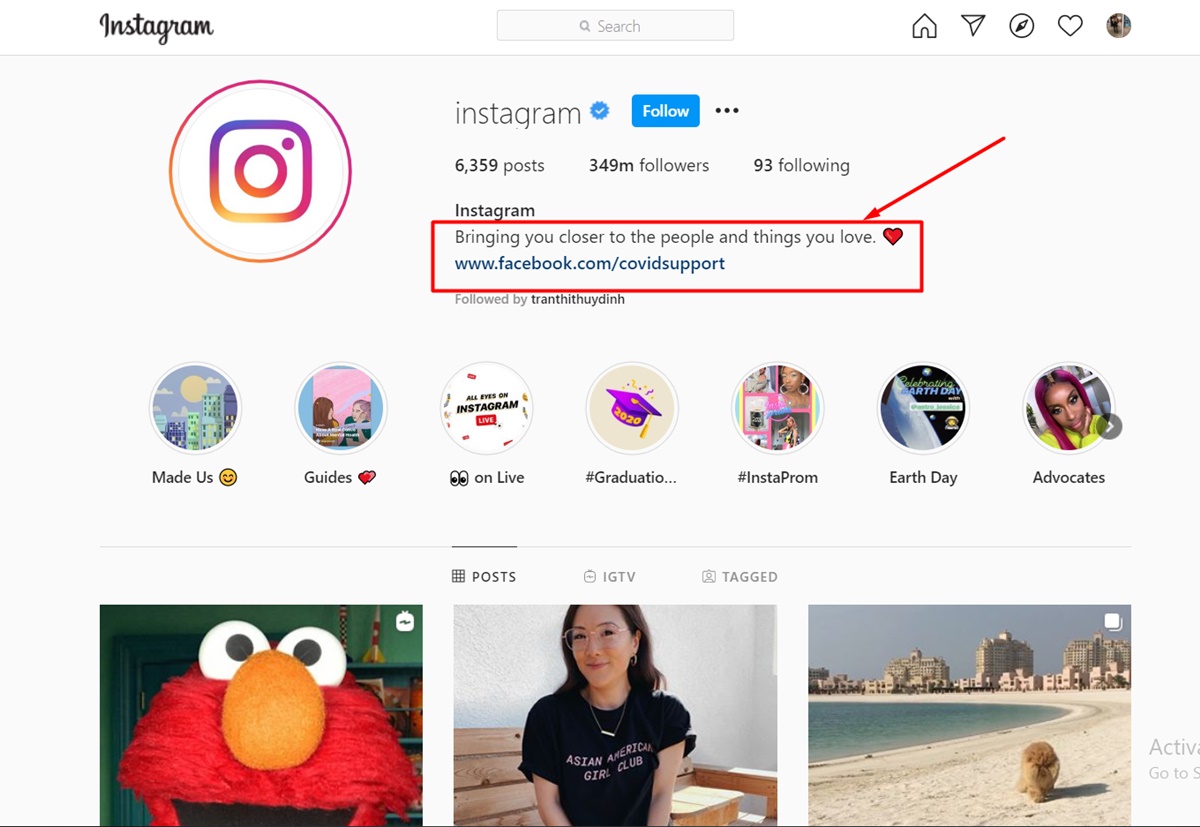
Why Your Instagram Bio Link Matters
Instagram is fast moving and content cycles through feeds quickly. Even your best posts disappear from visibility in hours or days. Without a strong bio link strategy, your audience may never find the work you want them to see.
According to insights from Sprout Social, a well structured link in bio dramatically improves engagement by giving followers a clear path to deeper content and actions.
Here is why your Instagram bio link is so important:
- Centralized Identity
It gathers your most essential content in one location so followers do not need to search across different platforms just to understand who you are.
- Increased Conversions
When visitors have simple and direct navigation, they are more likely to watch your videos, visit your website, purchase your products, or contact you.
- Consistent Branding
A well crafted link page creates a unified first impression that reflects your style and message.
- Analytics and Growth
A smart platform like PopWave helps you see what your audience clicks on, which social networks bring traffic, and which content drives the most interest.
- Time Saving
Instead of changing your Instagram bio link for every new campaign, you can consolidate everything on one page that updates automatically.
The Traditional Way Compared to the Smarter Way
Many users begin by linking directly to a single website such as a store homepage or a single YouTube video. The limitation is simple. One link cannot represent everything you do. Followers who want to explore more need to search by themselves and most people will not take that extra step.
Some people also use basic link list tools that only provide a set of buttons. While they work for simple navigation, they do not show your true content or personality.
PopWave provides a more advanced approach.
Instead of a static page, PopWave creates a living portfolio that is automatically populated from your Instagram posts and other connected social profiles. Your photos, videos, Reels, blog posts, and campaigns are displayed in a beautifully organized layout that updates itself without any manual editing. Your followers see your real work, not just a group of text buttons.
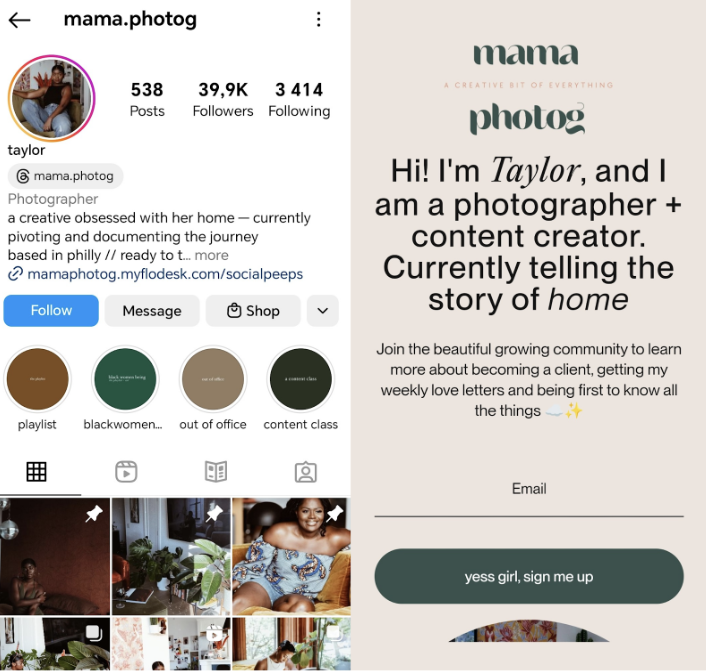
How to Put a Link in Your Instagram Bio Step by Step
Adding a link to your Instagram bio is simple. Follow these steps.
- Step 1: Open Instagram and go to your profile page.
- Step 2: Tap Edit Profile.
- Step 3: Find the Website field.
- Step 4: Paste your link into the Website field.
- Step 5: Save your changes and refresh your profile to make sure the link appears correctly.
That is all it takes to place a link in your Instagram bio. The real question is what link you should put there. Instead of sending followers to one single destination, most creators now use a multi purpose link page that organizes all of their content. That is where PopWave becomes your most powerful tool.
How to Create a High Performing Instagram Bio Link with PopWave
Here is how to build your own Instagram link page using PopWave.
Step 1: Create Your PopWave Account
Visit popwave.ai and sign up for free. The process is quick and only requires basic information. Once inside, you can start setting up your page immediately.
Step 2: Connect Your Social Profiles
PopWave connects directly to Instagram, TikTok, YouTube, Twitter, and Facebook.
Once connected, PopWave imports your posts, Reels, and videos automatically.
There is no uploading required from you because the system organizes your content on its own.
Step 3: Personalize Your Page
PopWave gives you clean and modern layout options that keep your content as the focus.
You can customize your page by adding:
- A profile photo and short bio
- Featured posts or campaigns
- Links to your shop or website
- A contact form or booking section
- Newsletter sign up
The design options make your brand feel polished without requiring design skills.
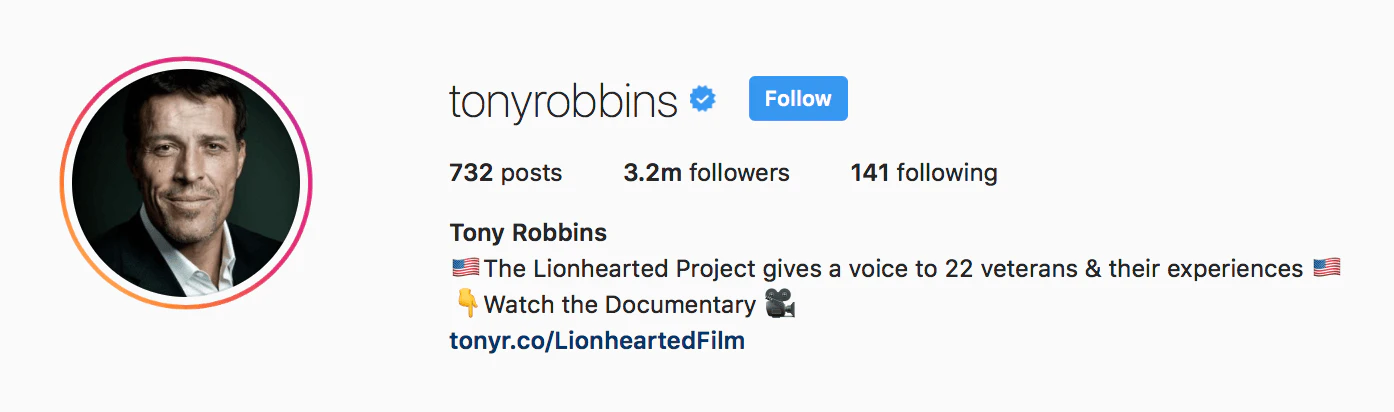
Step 4: Add Additional Content
Beyond automatically imported posts, you can add custom links such as:
- Your podcast episodes
- Your online course
- Media or press features
- Upcoming events
- Portfolio categories
Each section is structured to look visually organized and consistent.
Step 5: Optimize for Search Engines
This is the part that sets PopWave apart from every other link tool. PopWave uses programmatic SEO so your content automatically becomes searchable on Google.
For example:
A fitness creator can have pages that appear for keywords like “beginner workout routines” or “home exercise videos by creator name”.
A photographer can appear for searches like “portrait photography portfolio creator name”.
Your PopWave page becomes a discovery engine that brings you new visitors even when they are not on Instagram.
Step 6: Publish and Add to Instagram
When your page looks the way you want it, simply copy your PopWave link and place it into your Instagram bio.
From this moment on, you never need to manually change your bio link again because PopWave keeps your portfolio updated automatically.
How PopWave Helps You Grow Beyond Instagram
Most link in bio tools stop at providing buttons. PopWave goes further by supporting your long term visibility and growth.
Automatic Social Portfolio
Your Instagram posts turn into a structured portfolio that makes you look professional instantly.
Programmatic SEO
Each piece of content becomes an opportunity for search engine visibility. People can discover your work through Google searches even if they have never visited your Instagram profile.
Automatic Updates
Whenever you post a new photo or Reel, PopWave updates your site automatically. It works quietly in the background so you never need to edit manually.
Audience Insights
PopWave shows which links and posts receive the most clicks so you understand your audience better.
Custom Branding
You can set your own domain, colors, and layout so your page feels like a true extension of your style.
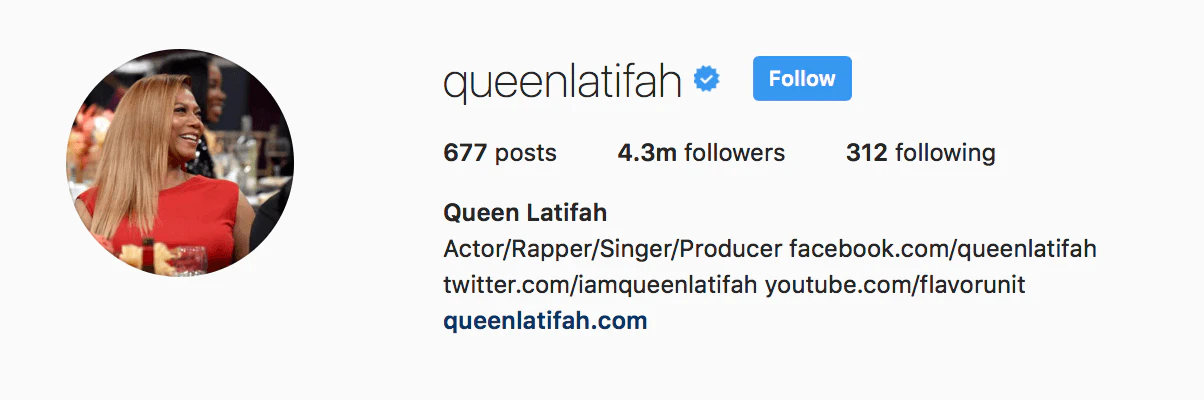
Best Practices for a High Converting Instagram Bio Link
Lead With Your Most Important Action
Place your most important links or featured posts at the top.
Use Strong Visuals
Instagram is a visual platform. PopWave highlights your content directly, which naturally increases engagement.
Keep Your Page Simple
Avoid long lists of links. Focus on what matters most for your brand and goals.
Write a Short Introduction
A simple sentence about who you are helps new visitors immediately understand your work.
Stay Consistent
PopWave automatically syncs your posts so your page always feels fresh.
Use Keywords Wisely
When creating extra sections or blog posts inside PopWave, include keywords your audience might search for.
Review Your Analytics
Adjust your content and layout based on what resonates with your followers.
Examples of Effective Instagram Bio Link Pages
Here are real ways creators use PopWave to elevate their Instagram presence.
Photographers
They transform their Instagram galleries into searchable portfolios that attract clients through Google.
Musicians
They gather music videos, Spotify links, behind the scenes clips, and merch into one branded hub.
Freelancers and Coaches
They use PopWave as a booking page, portfolio, and blog all in one place.
Influencers
They combine collaborations, media features, and social content into a cohesive digital presence for brand partners.
No matter your field, PopWave gives you a powerful home for your online identity.
Why PopWave Is the Future of the Instagram Bio Link
Where most tools offer a simple link list, PopWave offers something deeper and more meaningful.
A self updating portfolio
Built in SEO
Expanding visibility beyond Instagram
A blogging platform
Analytics to understand your audience
A clean and modern design
Your Instagram bio is more than an entry point. With PopWave, it becomes a complete representation of your creativity and your ambitions.
Start Building Your Instagram Bio Link with PopWave Today
Your Instagram followers know you through your content. PopWave helps the rest of the world discover what you create, what you offer, and what makes your work unique.
With only a few minutes of setup, you can build a link page that:
- Updates automatically
- Highlights your best work
- Appears in search results
- Drives real conversions
- Matches your personal brand
Do not limit yourself to a basic link. Build something that grows with you.
Final Thoughts
Your Instagram bio link is more than a convenience. It is your doorway to the larger internet. It transforms passive followers into active supporters and scattered posts into organized opportunities.
PopWave gives you simplicity, automation, and search engine visibility in one place. Create your link once and let PopWave help you grow everywhere.